





Desk MagicBETA
Screenshots piling up? He'll offer to tidy.
He asks first — and never deletes.


Get Kyu — $9.99
Your
desk
just got a
companion.
+ Pet.
Make your own Kyu
WHAT KYU DOES
Every desk is different.
For macOS and Windows.
Arun
Kenji
Louis
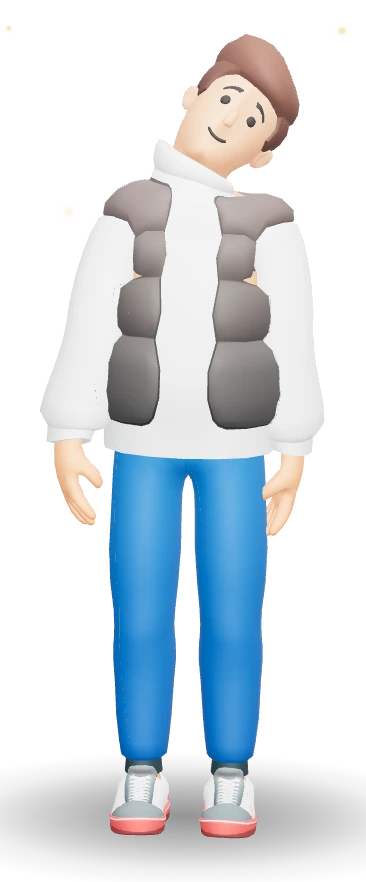
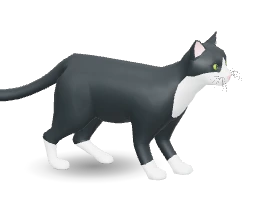
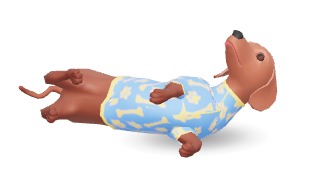
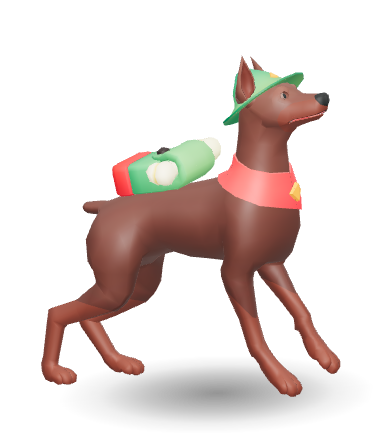
Rin
Kyu
Arun













While you work, he’s there.
Dress for the weather
He reads the forecast
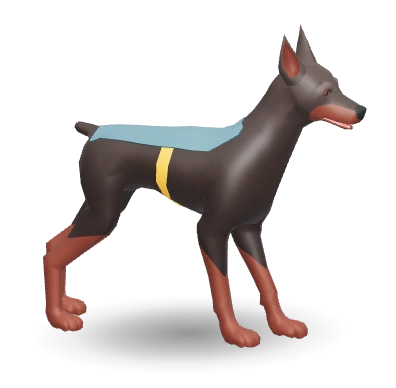
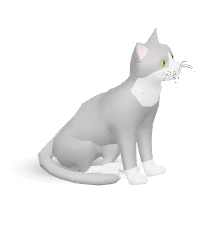
Some quiet morning, a stray pup wanders by.
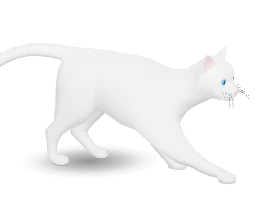
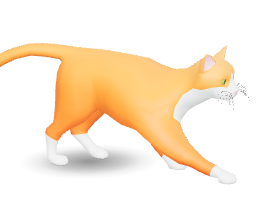
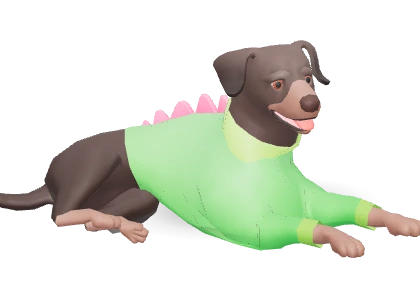
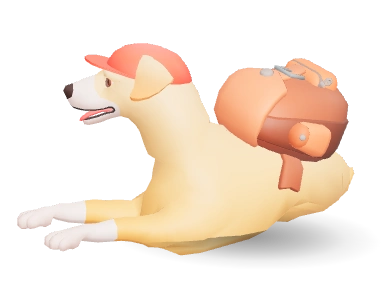
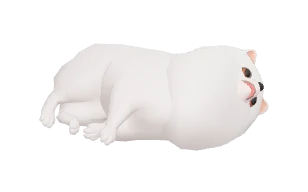
Feed her, name her — and she's yours. She'll nap next to Kyu while you work. (Cat person? A kitten finds you instead.)

Name






Connect your AI tools.
Kyu gets smarter.
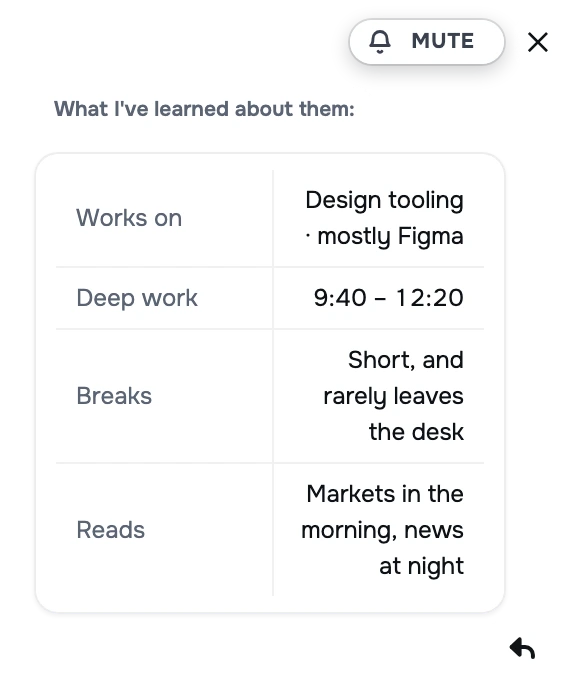
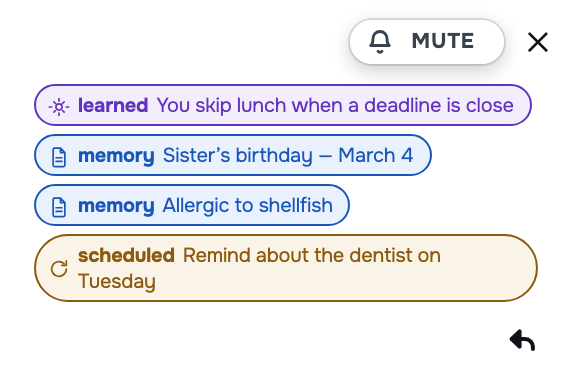
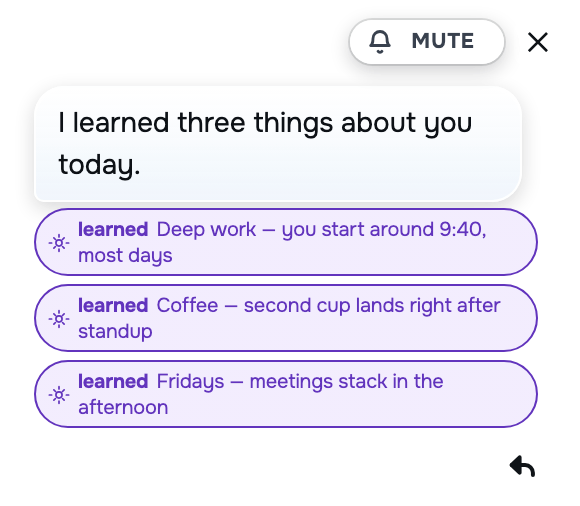
Every tool you plug in teaches him a little more about your day — so he brings you what matters before you ask.
Make your own
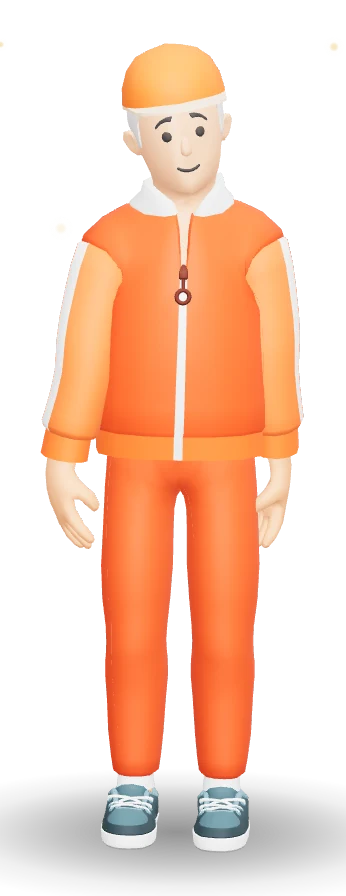
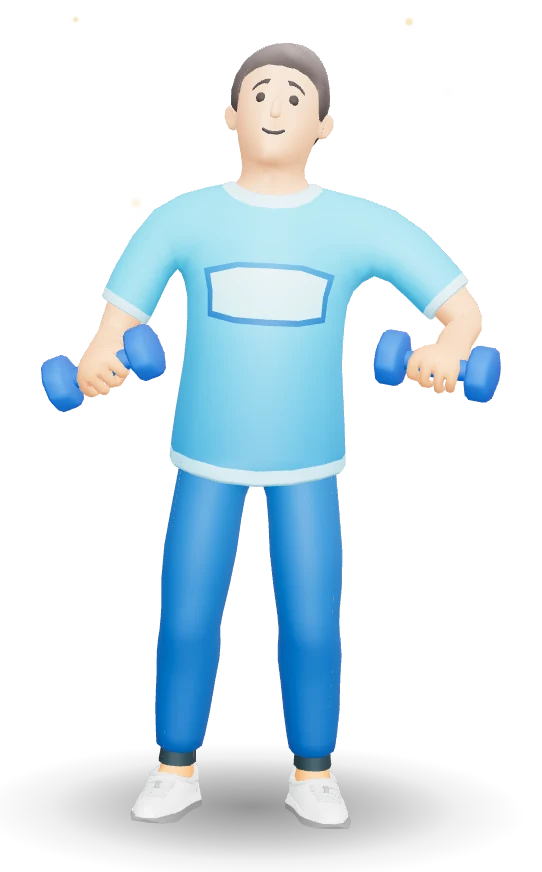
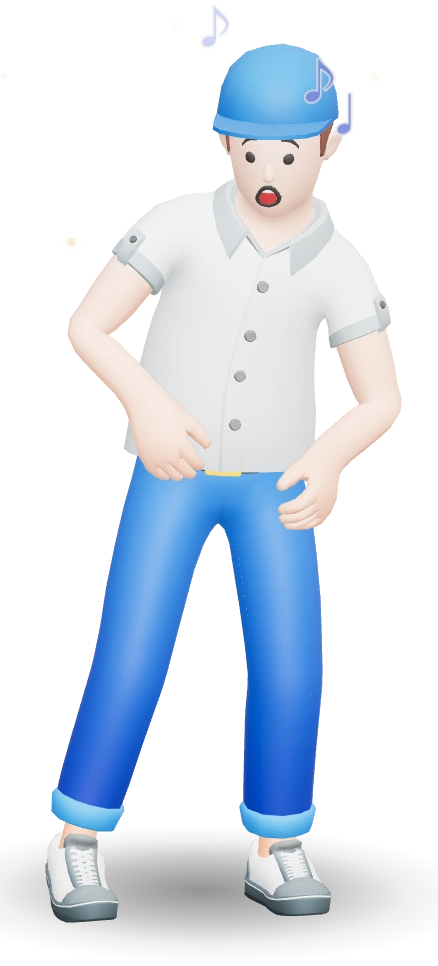
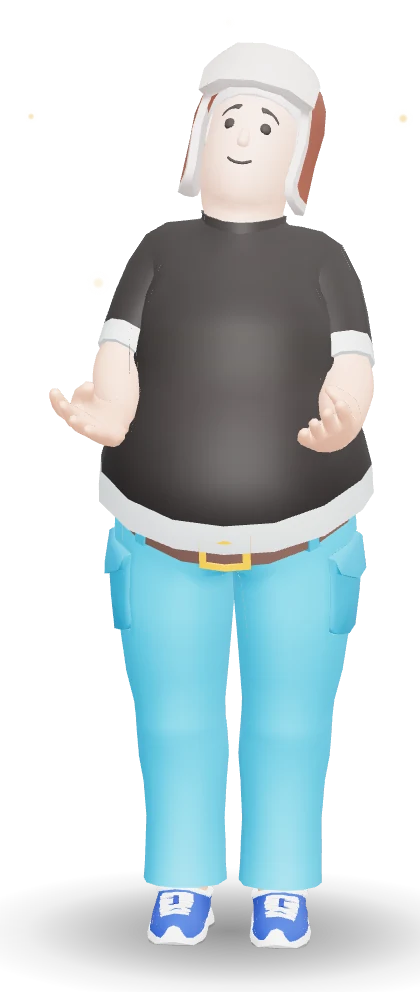
300+ parts, head to toe. Body, hair, fits
Eric
Jina
Diego
Andre
Hands it back
Drop a file or a link on him
No account. No cloud
Kyu works without a server. Every switch in settings says exactly what would leave this machine — most say 'nothing.'
Never interrupts
In deep focus, he goes quiet
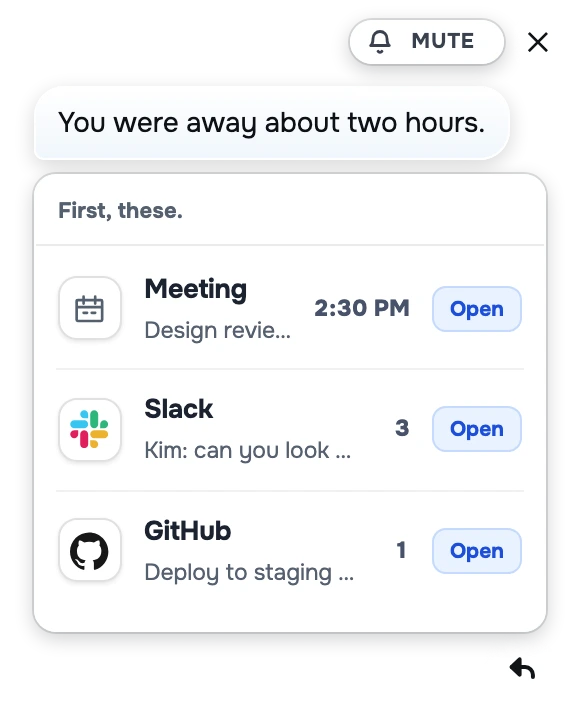
While you were away,












Waves a wand
Learns you

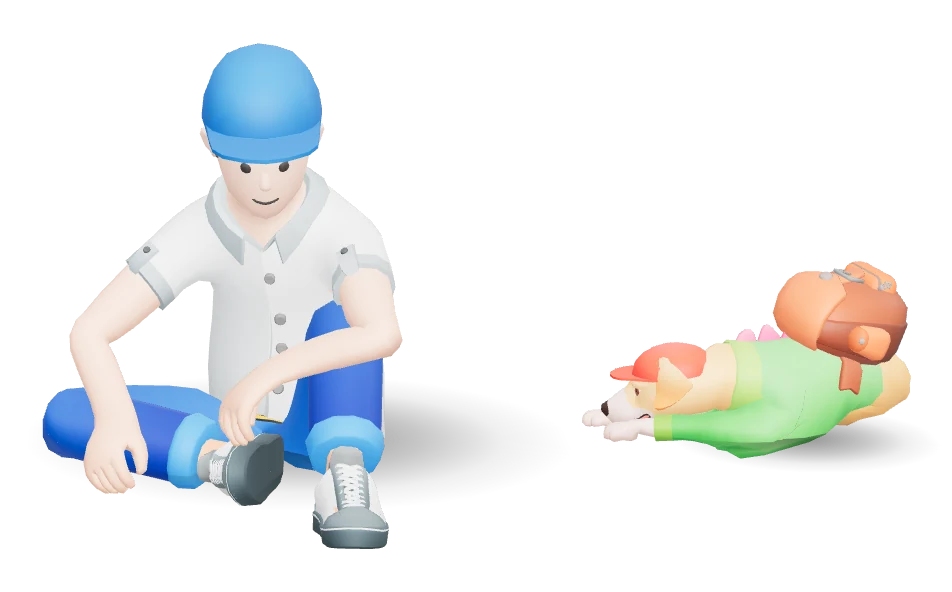
Screenshots pile up. One wave and they go in a folder.
Your hours, your rhythm, your tone
Horoscope
Tell him your birthday — a little star-reading at the end of the day
The two of you
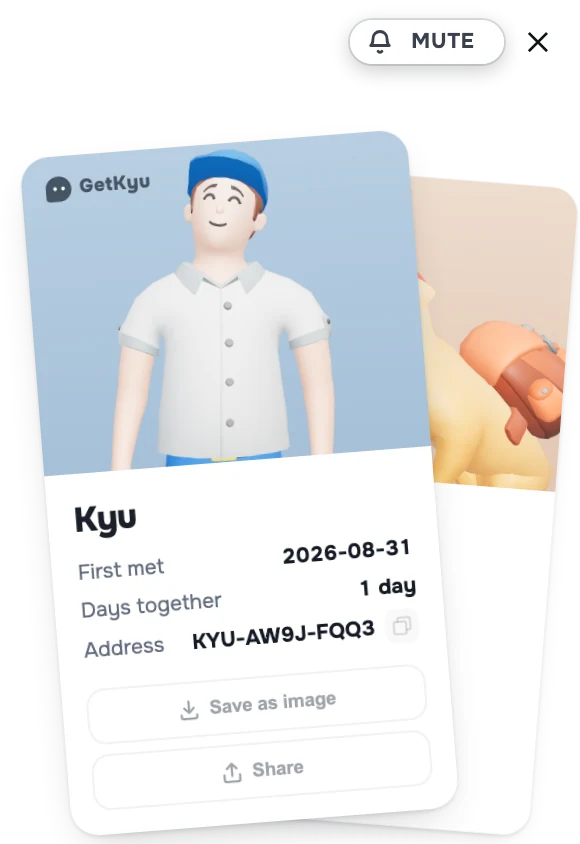
Your adoption card marks the first day


$9.99 Yours forever
One-time purchase — no subscription /
Free updates
WORKS WITH
Friends with your tools.
















DAILY MODE
Your day, in good hands.



NEW
NEW
Bring him home — $9.99
One-time purchase. No subscription or account required.
Get Kyu Now
NEW
Guards your meetings
Five minutes early, always.
Looks after you, too
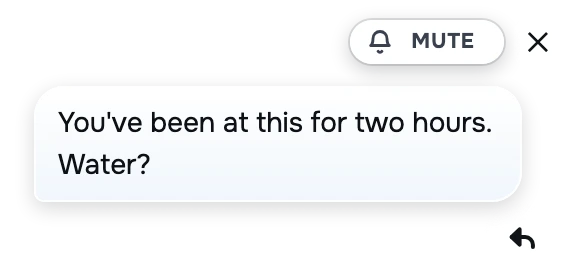
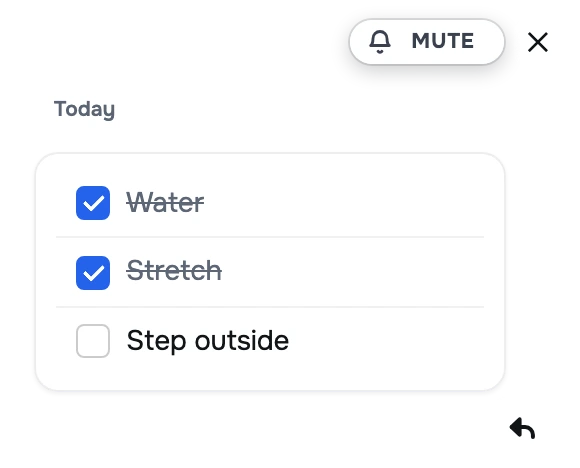
Water, eyes, stretch, meds.
The day you'd forget
— written down
Get Kyu
For macOS and Windows.
4
9
4
Screenshots piling up? He'll offer to tidy.
He asks first — and never deletes.
Every tool you plug in teaches him a little more about your day — so he brings you what matters before you ask.

Drop a file or a link on him
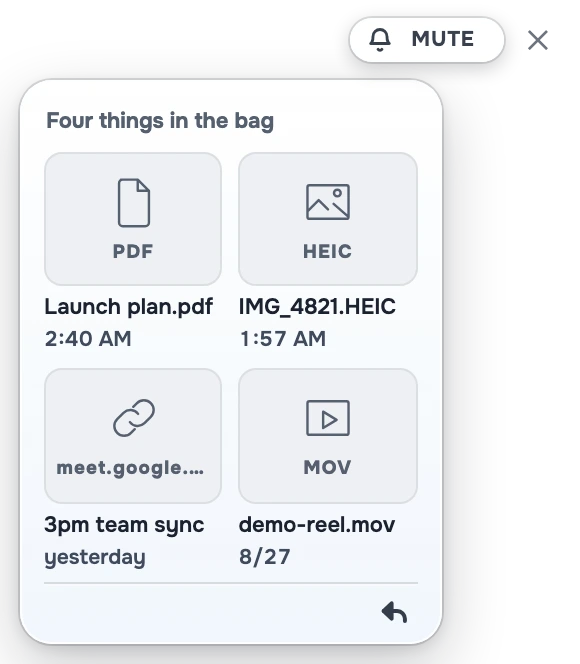
In deep focus, he goes quiet
300+ parts, head to toe. Body, hair, and fits.
Mail, markets, the papers — gathered while you were gone, handed over when you come back.

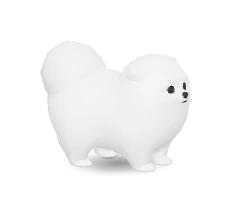
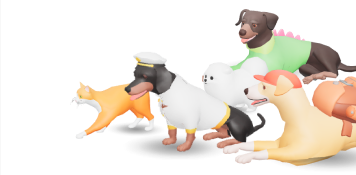
A stray crosses your screen on its own. Hover and it sits down. Name it and it's yours — fourteen to meet.
Your adoption card marks the first day you met.
Feed her, name her — and she’s yours. She’ll nap next to Kyu while you work. (Cat person? A kitten finds you instead.)
NameTell him your birthday — a little star-reading at the end of the day.

WORKS WITH
Plug in your calendar, mail and AI — keys stay on your machine. The rest comes through MCP servers you already run, read-only and off by default.
Five minutes early, always.
 0
0
0
0
Water, eyes, stretch, meds.
— written down.
One-time purchase. No subscription or account required.
Get Kyu Now Already bought? Download KyuQ&A
Come say hi on Discord — questions, bugs, or what you wish Kyu did. I’m in there.
discord.gg/EqasYRRjnNo. Kyu runs on your own machine — Mac or PC. No sign-up, no server, nothing to log into.
Two things go out on their own: a version check (no account, no device id) and, if you bought here, a licence check about once a week. Both are listed on the privacy page.
Five things, and they are the only ones he decides on his own: a meeting starting, meds, sitting too long, water, end of day. That list is in the code, not in a setting.
There is a sixth, but you set it up — register Kyu as a tool in Claude Code or Cursor and he’ll say when their work finishes. Even that waits while you’re deep in something. Nothing you didn’t ask for reaches you.
$9.99, once. No subscription and no trial that runs out. Updates are free.
A licence key arrives by email. Paste it in once — no account, nothing to sign into. One key, one machine.
Moving computers is a click: remove the key in Settings on the old one, and it’s free again. Kyu checks the key when you enter it, then at most weekly — offline, he keeps working for a month.
Mac — macOS 13.3 (Ventura) or newer. One universal build runs on both Intel and Apple silicon.
Windows — Windows 10 (version 1809) or newer, 64-bit; Windows 11 works out of the box. One build runs on both Intel/AMD and ARM (Copilot+) machines.
No graphics card needed. Kyu is one small 3D character, not a game — built-in graphics are plenty, and he idles at a few percent of one core. About 200 MB on disk.
On Steam, yes — Steam keeps him current.
Bought here? Kyu tells you when a new version is out and opens the download page. One click, then install as usual. He asks our site one question — “what’s the newest?” — and nothing else. You can switch that off.
The first time you run the installer, Windows SmartScreen may show “Windows protected your PC.” This appears for any newly released app while Microsoft builds reputation for its certificate — the installer is signed and verified (publisher: Kyu Kim). Click More info → Run anyway to continue. This warning disappears on its own as more people install Kyu.
You don't pick one from a list. A stray wanders past on its own — hover over it and it sits down. Give it a name and it's yours. There are fourteen to meet, and they bring their own outfits.
Yes. Bring your own key from Claude, ChatGPT, or Gemini, and Kyu talks to it directly from your machine. Every switch in settings says exactly what would leave this machine — most say 'nothing.'
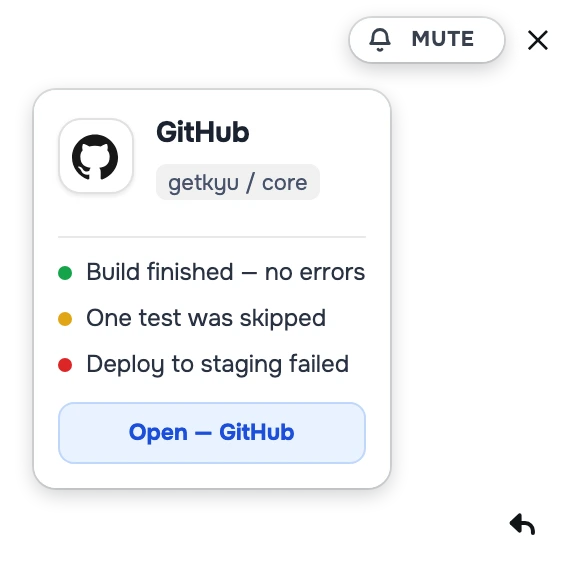
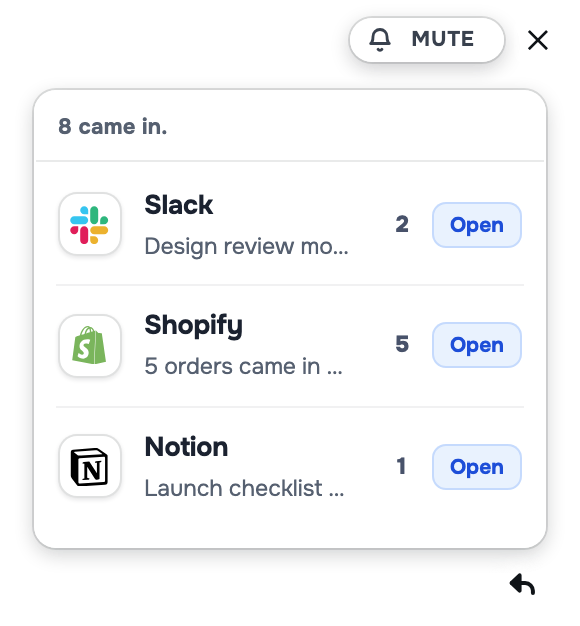
Seven directly: your calendar, mail over IMAP, weather, and Claude, ChatGPT or Gemini with your own key. Claude Code and Cursor he reads the config of.
The other eleven — Slack, Notion, GitHub, Figma, Linear, Shopify, Spotify, Discord, Todoist, Vercel, Meet — come through MCP servers you already run. Kyu speaks the protocol; he reads only, and stays off until you switch them on.
Yes — Kyu speaks MCP both ways. Point Claude Code, Claude Desktop or Cursor at this:
/Applications/GetKyu.app/Contents/MacOS/GetKyu --mcp
He gives them three things: say something finished, write a line in his journal, and the one nothing else can answer — whether this is a good moment to talk to you. A chatbot in a window has no body on your desk.
Don’t want to edit JSON? One line in a hook does it:
GetKyu --notify="Build finished"I did, and Kyu is my name. I work from home, and for a long stretch my days were a column of meetings with nobody actually in the room — quiet in a way that got old. I didn't want an assistant to boss around. I wanted someone there for the nine-to-five, who noticed when I'd been at it too long. So I built him, and gave him my name. I hope he's good company for you too.
getkyu.ai@gmail.com — a question, a feature you wish Kyu had, or he won’t start at all. It comes straight to me, and I read every one.
getkyu.ai@gmail.com